
Made to order in Tennessee
eufyMake E1 Jigs & Accessories
Load a tray, hit Reprint, and every piece lands right where your artwork is. Jigs, the Jig Alignment System, FatMats and a Fume Extractor, all designed and tested on my own E1.
- 3D printed to order in Tennessee
- Ships in about 4 business days
- Free US shipping over $75
- Template file with every jig
Why it works
The E1 aims with a camera. Jigs make it repeat.
I've run an E1 in my shop since the fall of 2025. It finds its zero point with a camera, not mechanical stops, so placement only repeats if your items land in the same spot every time.
Same spot every time
Lock a jig into the Jig Alignment System and it goes back in the same place, so Zero Point lines up tray after tray.
All tops level
eufyMake wants print faces within 2 mm of each other. My jigs hold every item at the same height, so the whole tray prints sharp.
Swap, Reprint, done
Every jig comes with a matching template file. Drop in blanks, hit Reprint and run the next tray without lining anything up.
Start here
The E1 essentials
The four things most E1 owners pick up first.
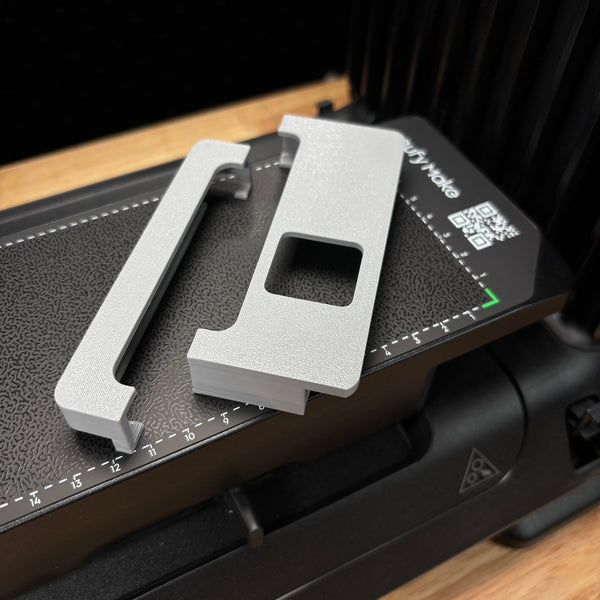
Jig Alignment System for eufyMake E1 UV Printer
★Clips onto the mini bed and gives every Samcraft jig a hard edge to sit against. Drop a jig in, print, swap, print again. Mini bed only.
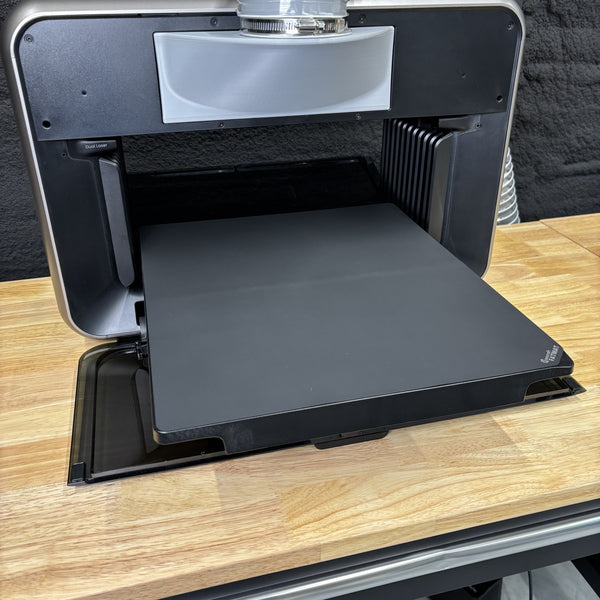
Samcraft FatMat for eufyMake E1 - Reusable UV Printer Mat Kit
★Reusable silicone mats for both the standard and mini beds. No adhesive, nothing to peel, and overspray wipes off.
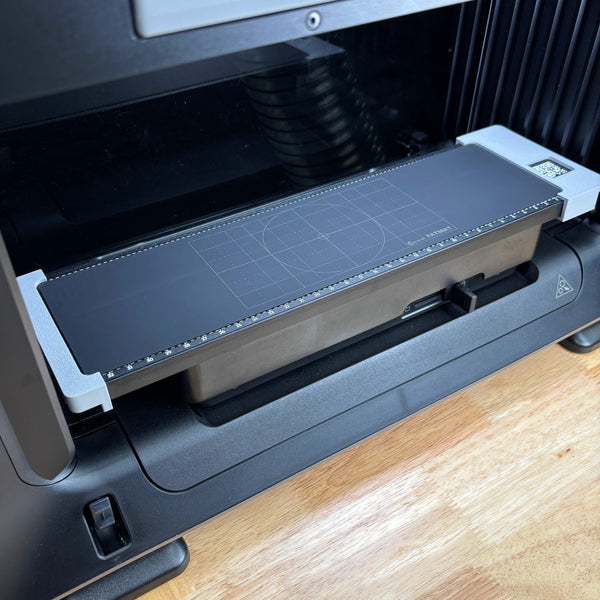
Samcraft Jig Size FatMat for eufyMake E1 UV Printer
★Same footprint as my jigs, so it drops into the Alignment System for flat work between jig runs. Mini bed.
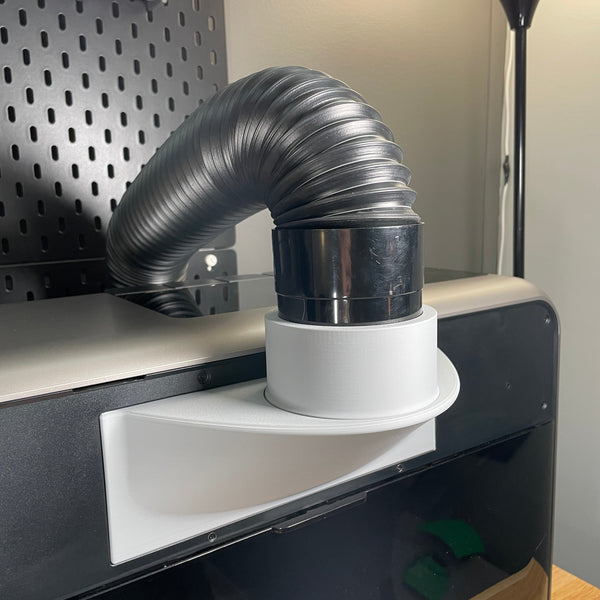
eufyMake E1 Fume Extractor
★Takes the place of the stock charcoal filter and vents fumes outside through a 4 inch or xTool AP2 hose.
E1 Starter Kit: pick any four jigs and the Jig Alignment System and Jig Size FatMat drop to half price.
Build a Starter KitShop by item
Find your eufyMake E1 jig
Every jig comes with a matching eufyMake template file. Check the item size on each listing before you order.
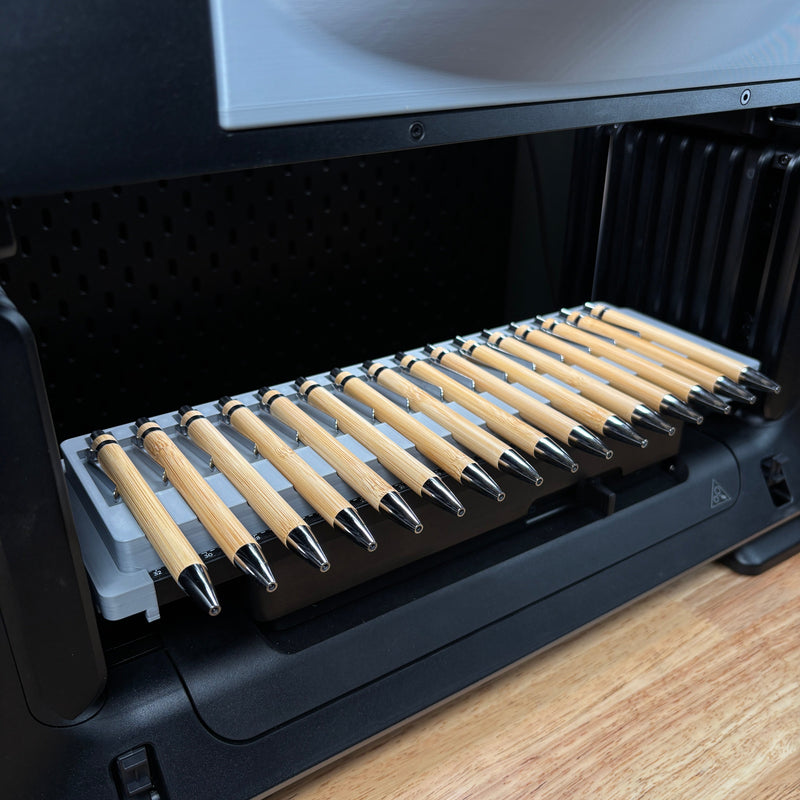
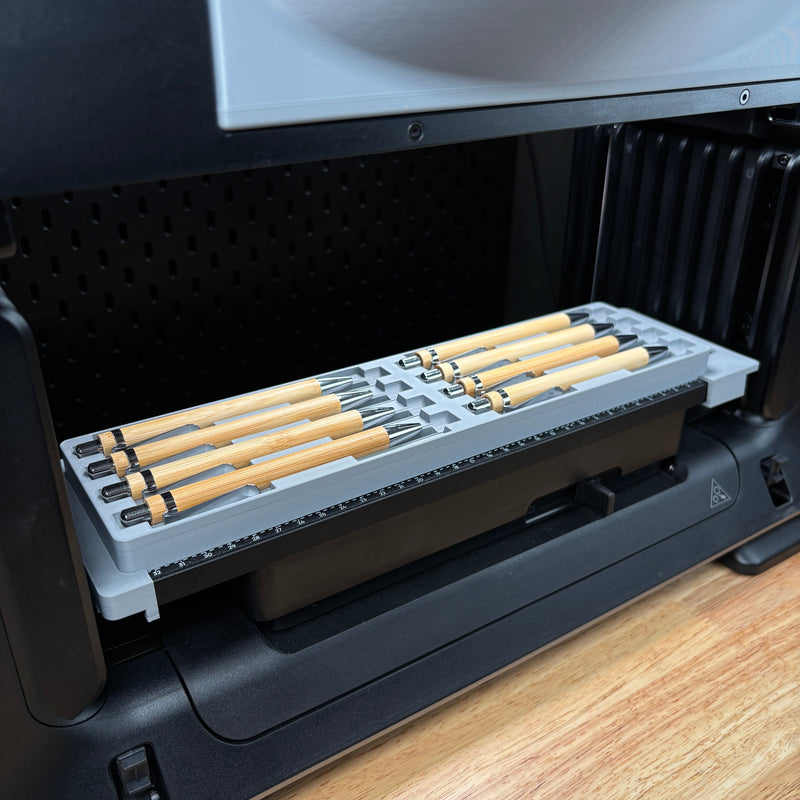

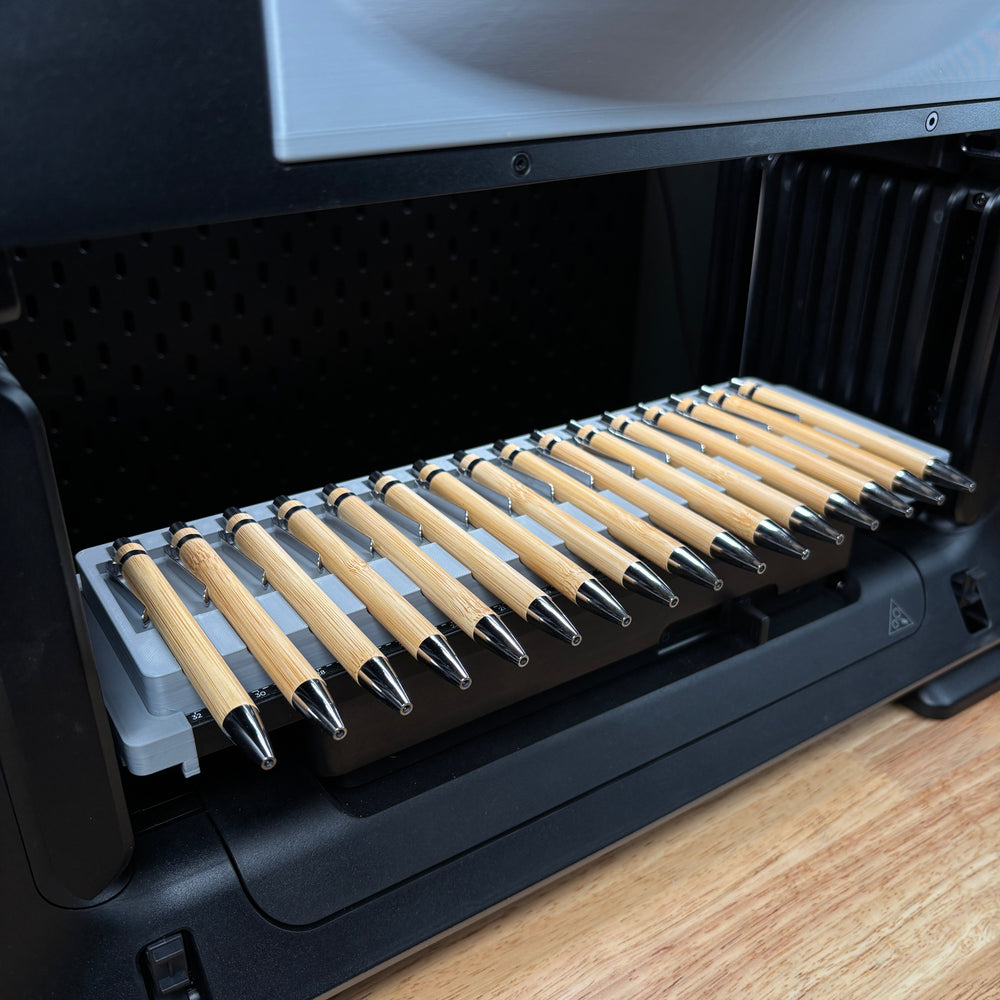
Pen and pencil jigs for the eufyMake E1
- $24.99
- $24.99
- $24.99
- $24.99
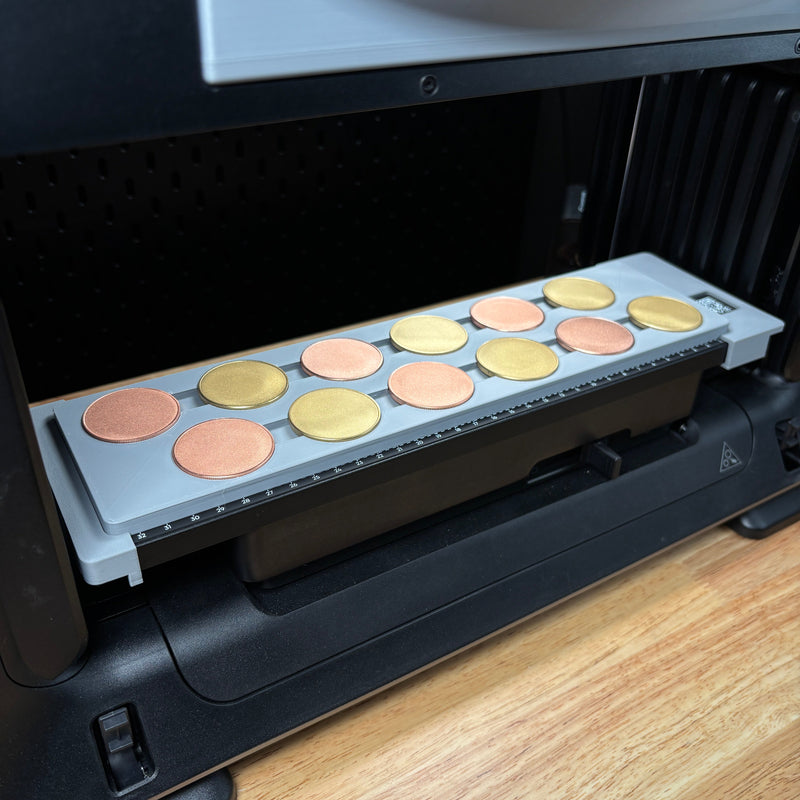
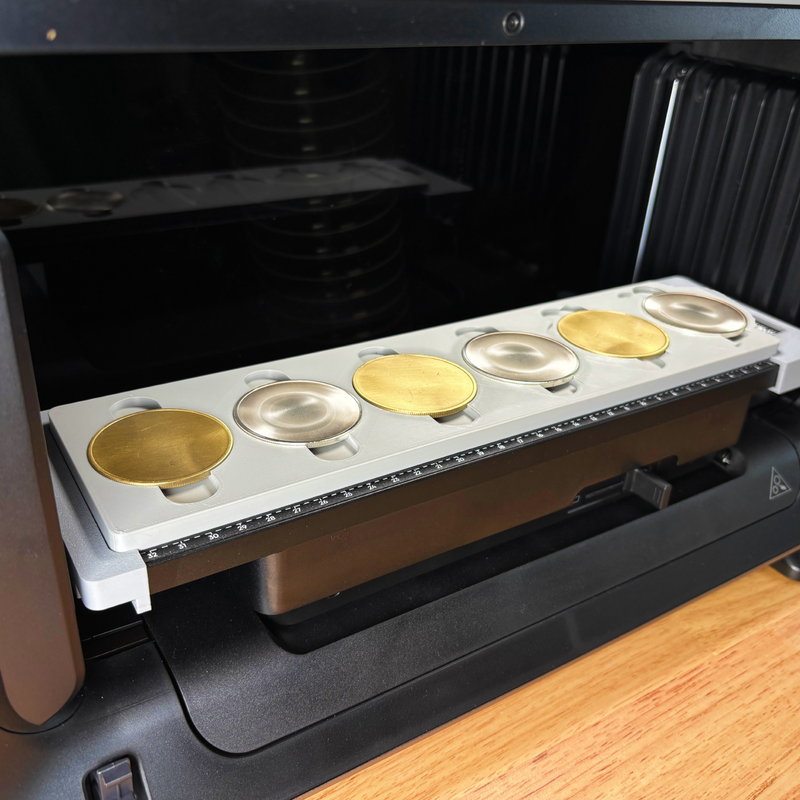
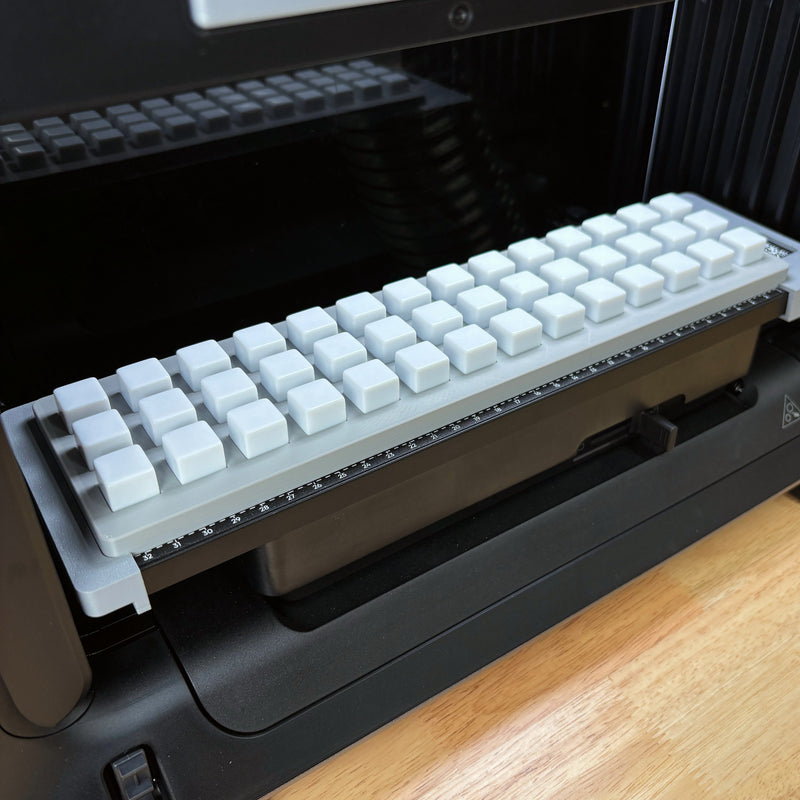
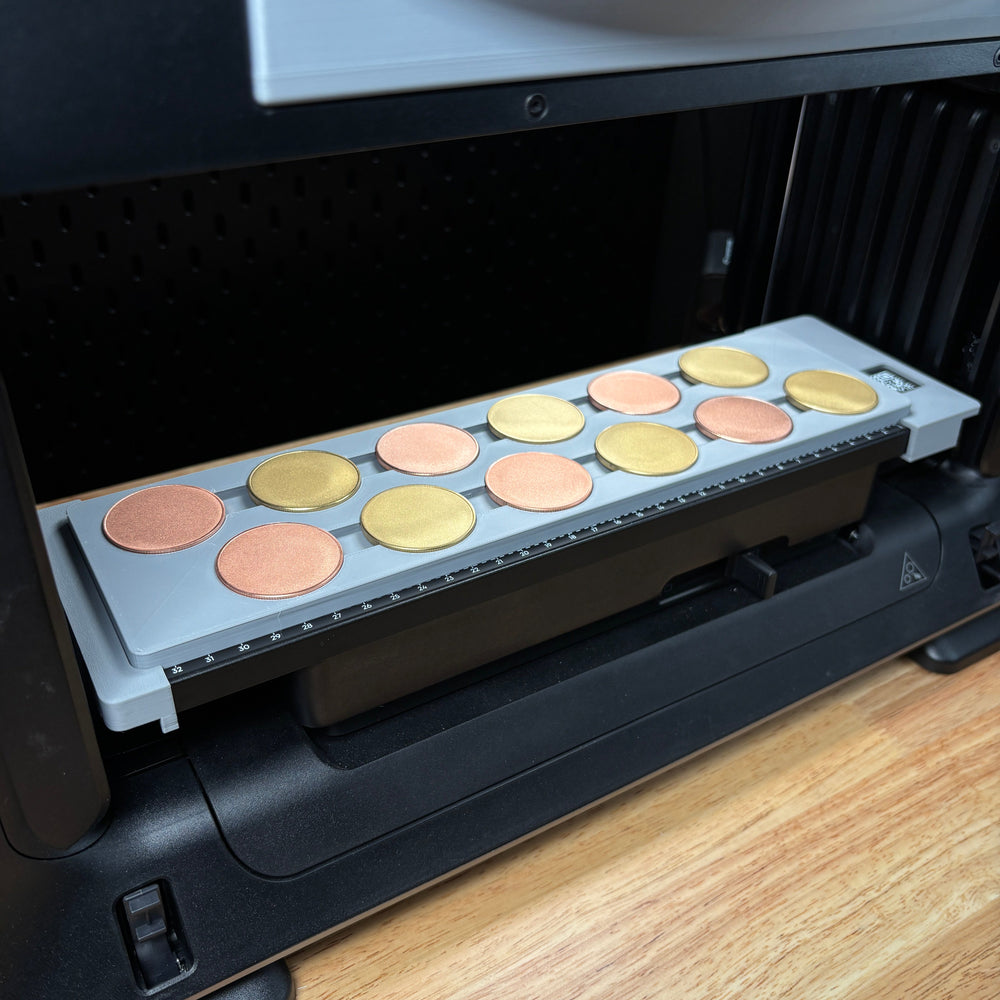
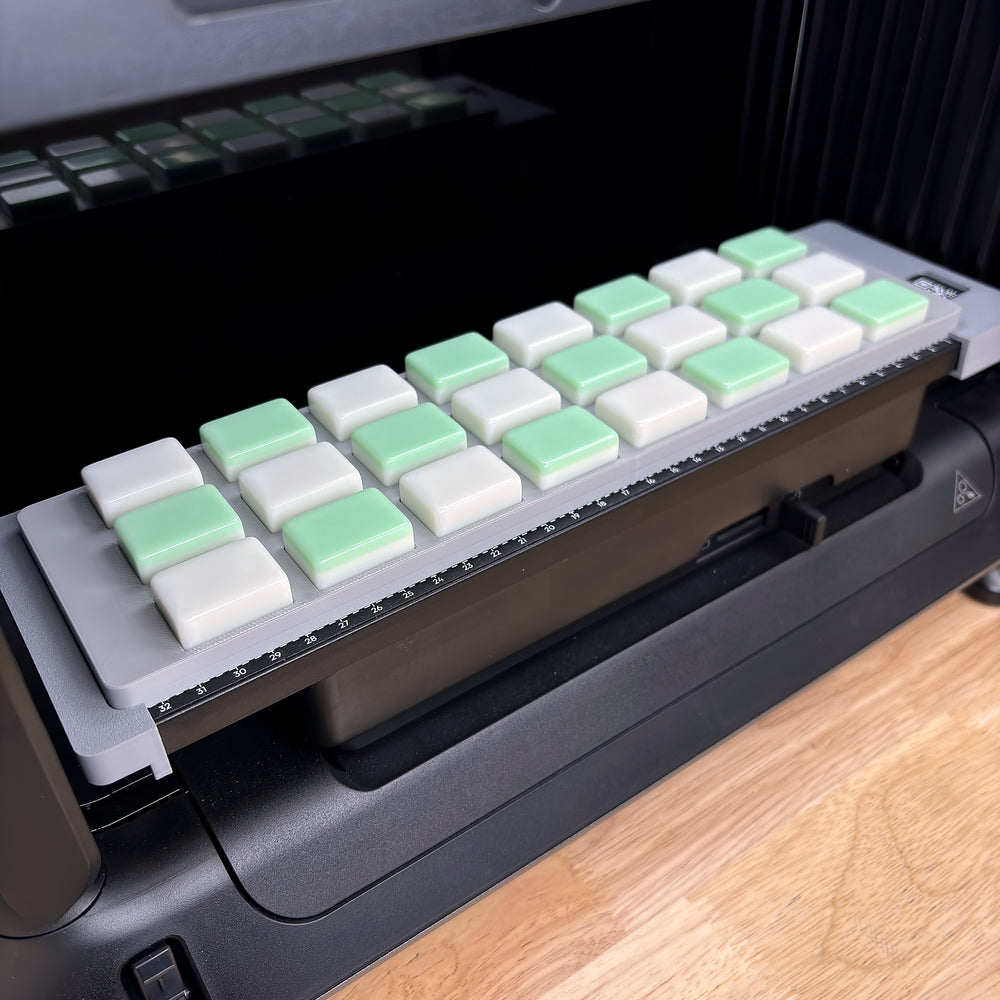
Coin, dice and game piece jigs for the eufyMake E1
- $24.99
- $24.99
- $24.99
- $24.99
- $24.99
- $24.99
- $24.99
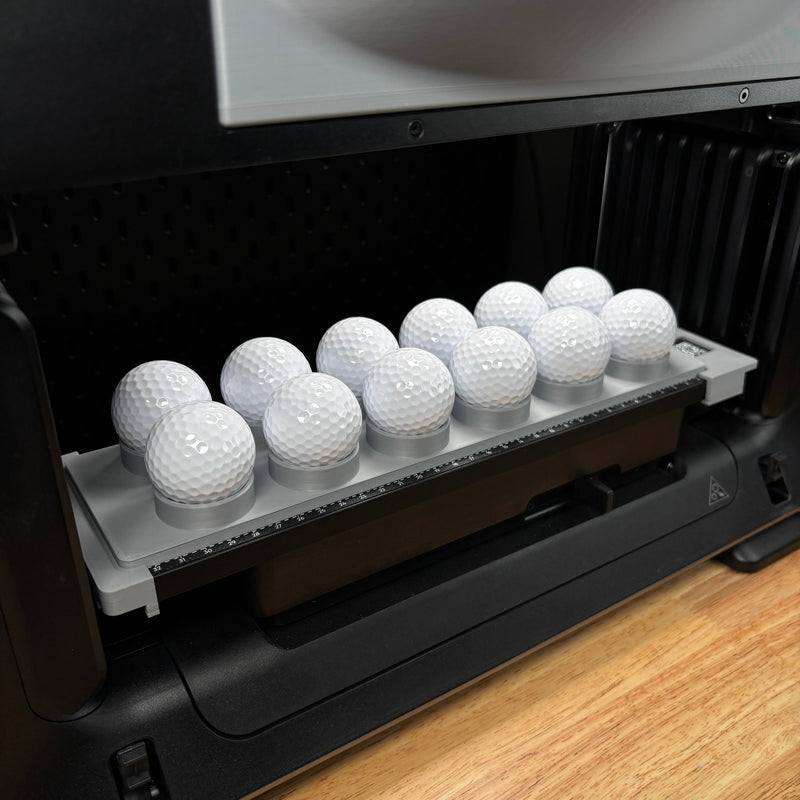
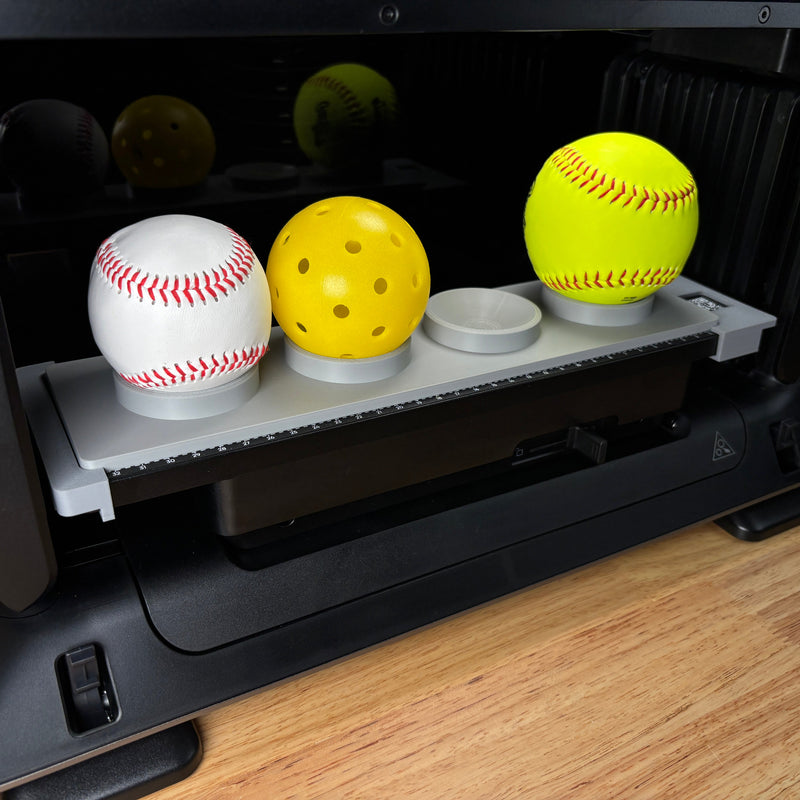
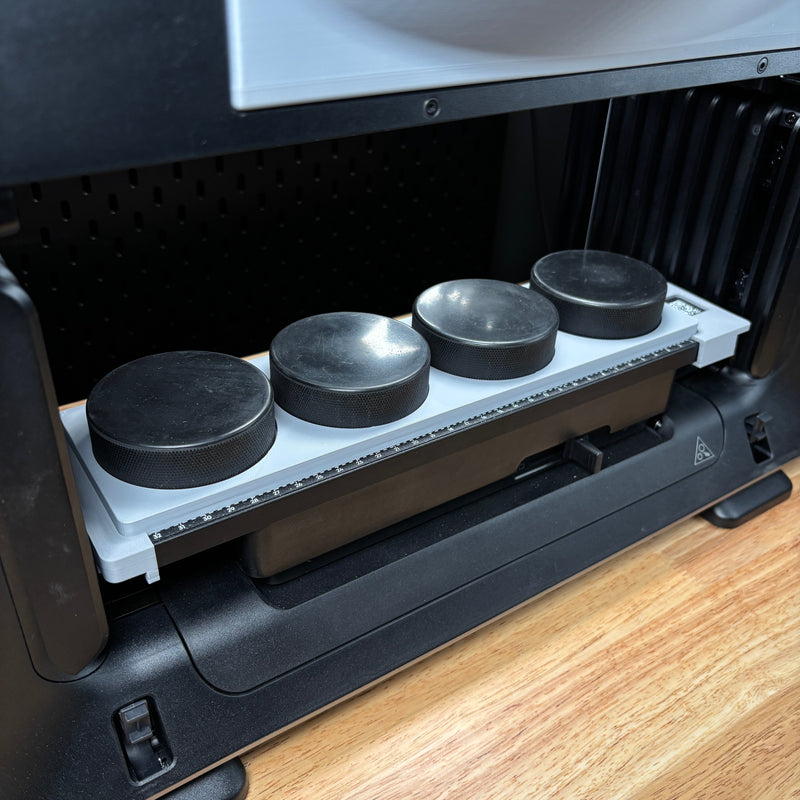
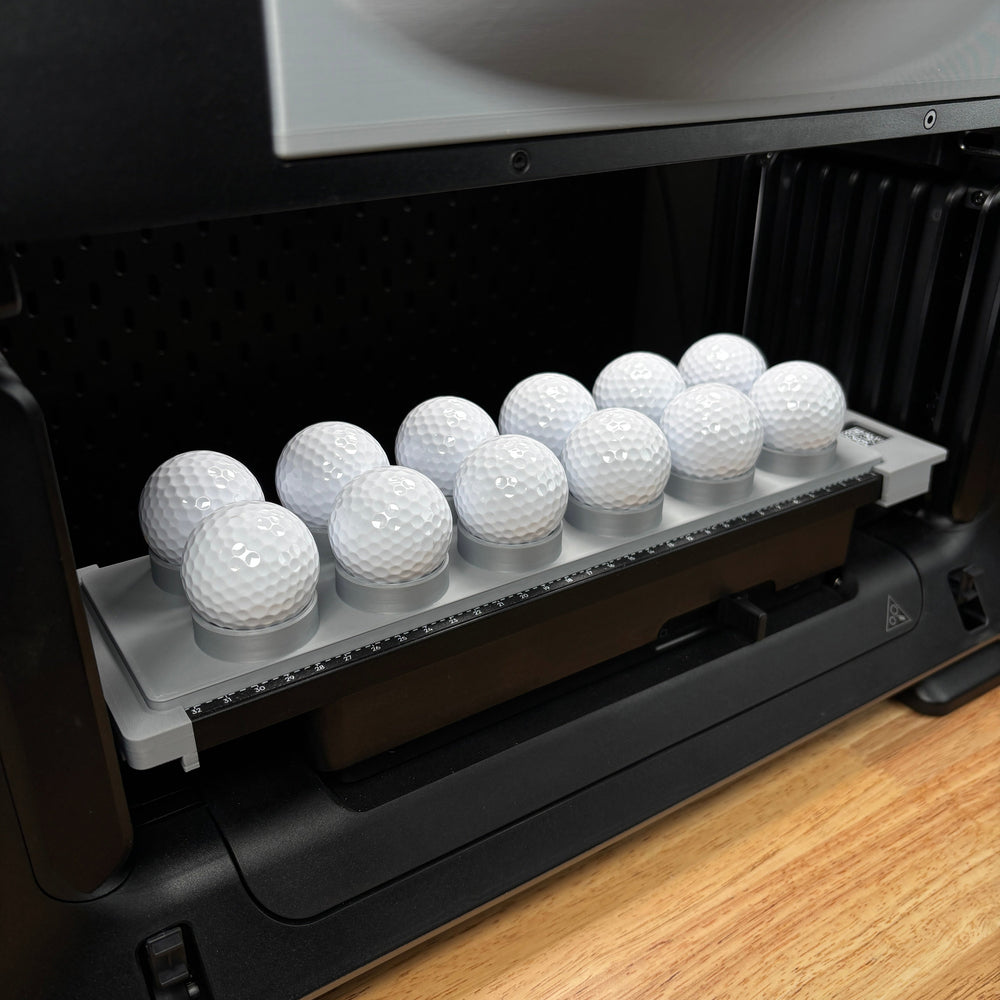
Golf ball, sports ball and puck jigs for the eufyMake E1
- $24.99
- $24.99
- $24.99
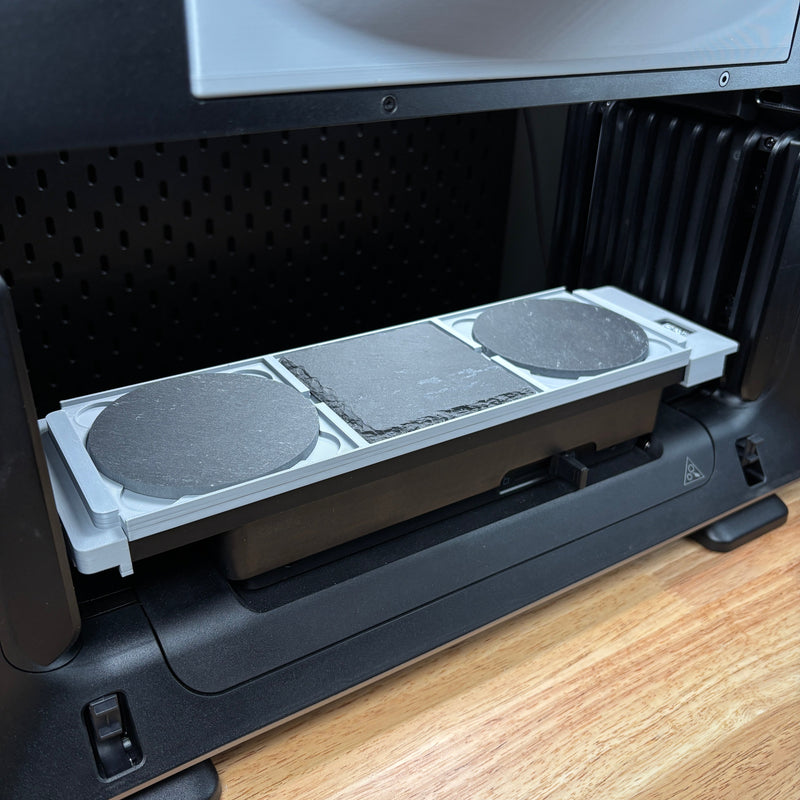
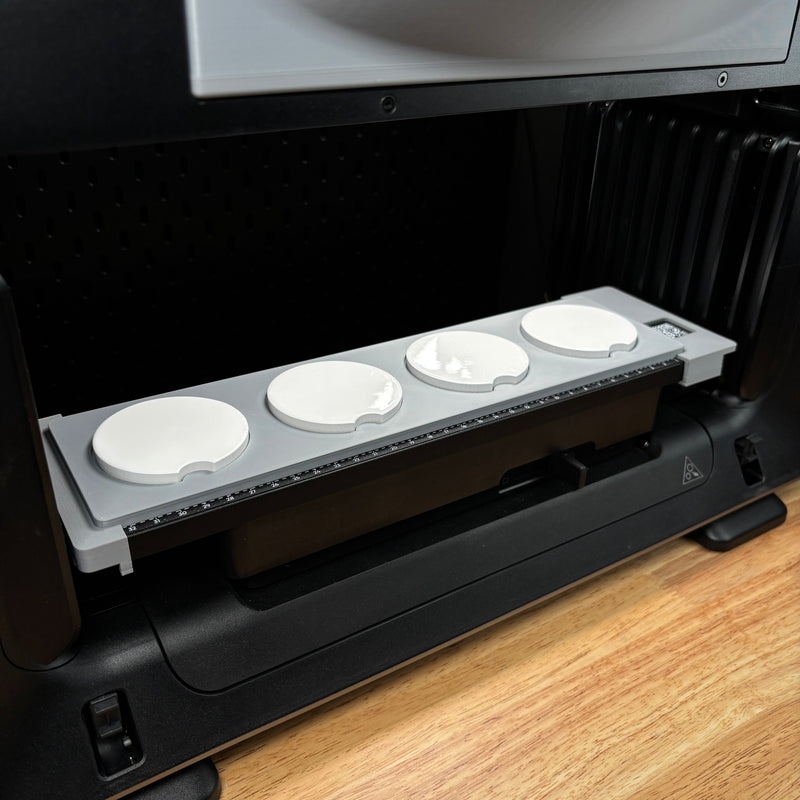
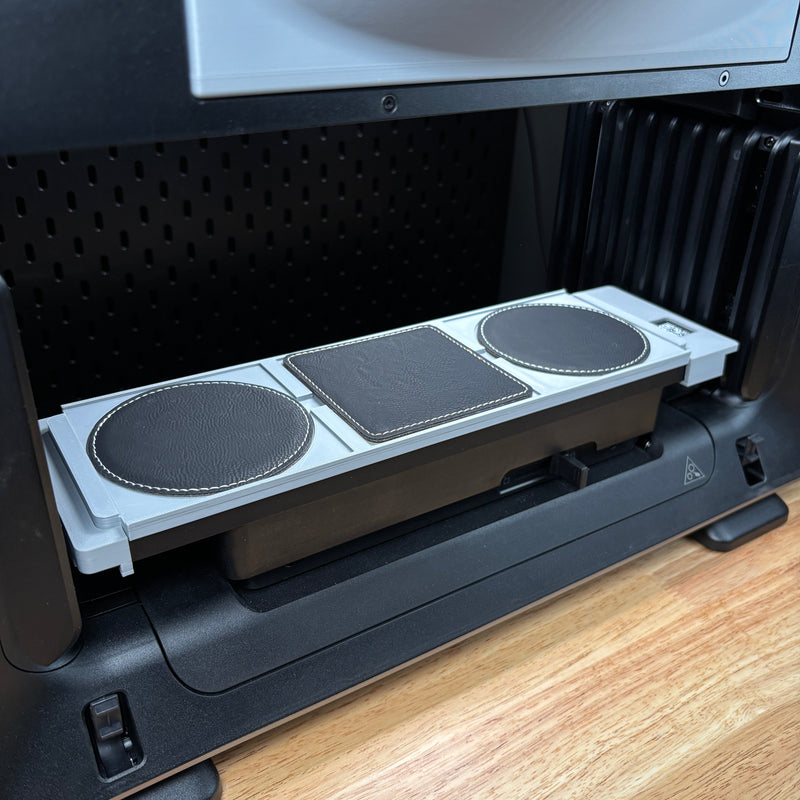
Coaster jigs for the eufyMake E1
- $24.99
- $24.99
- $24.99
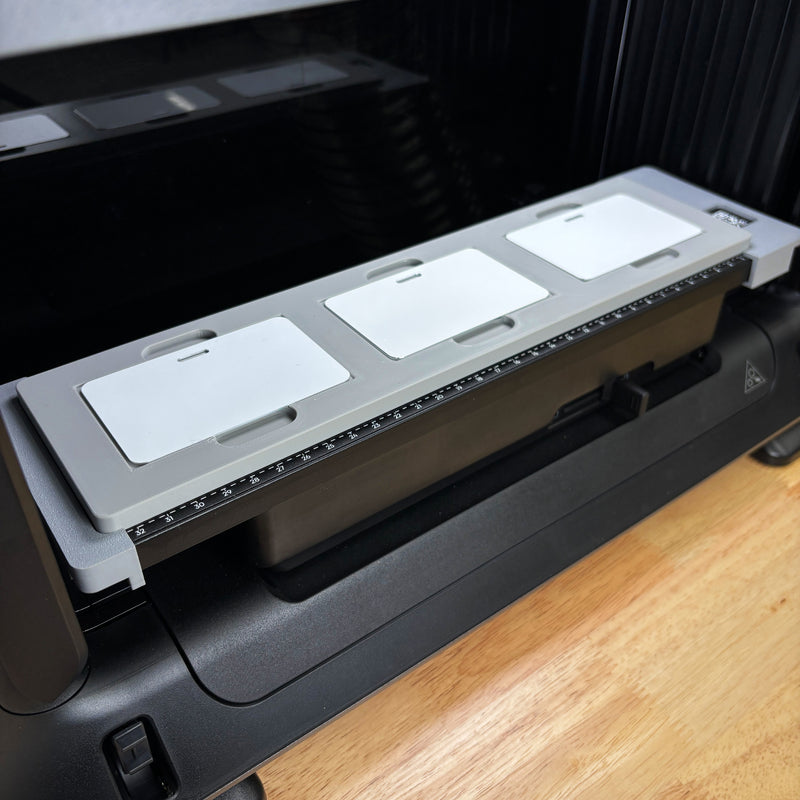
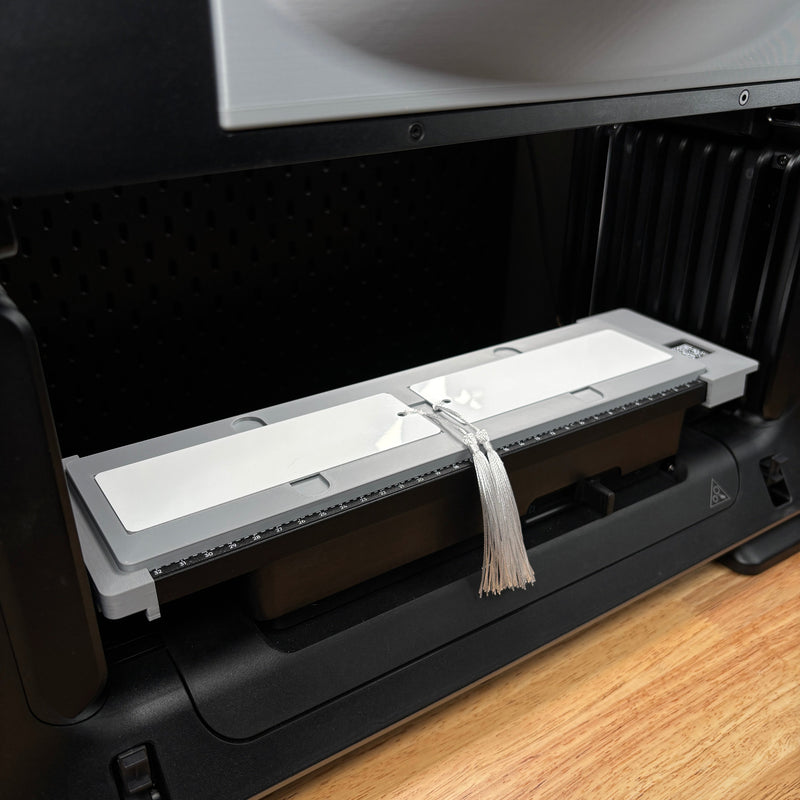
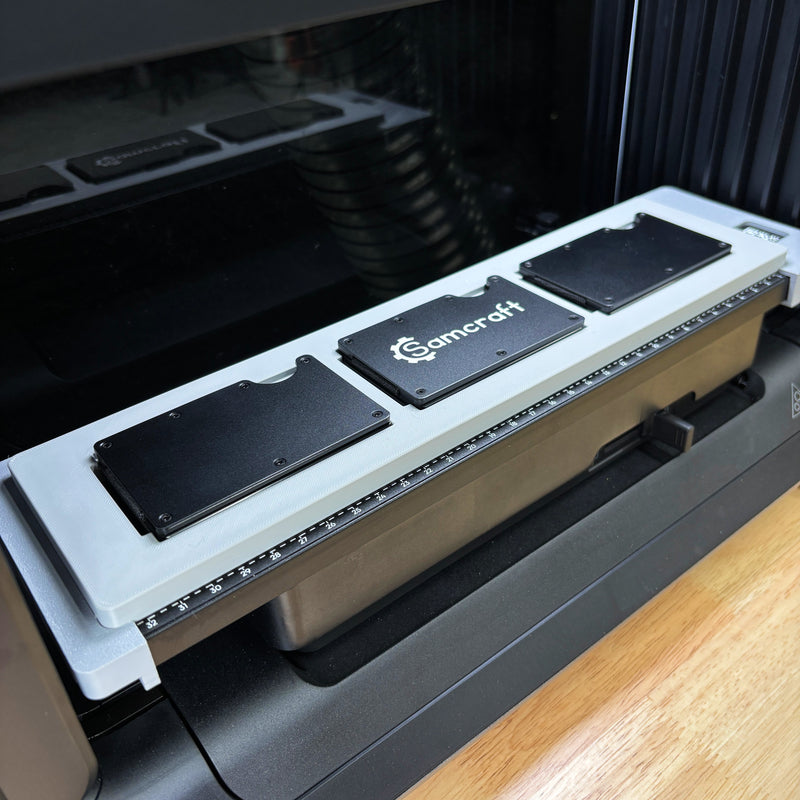
Business card, wallet and bookmark jigs for the eufyMake E1
- $24.99
- $24.99
- $24.99
- $24.99
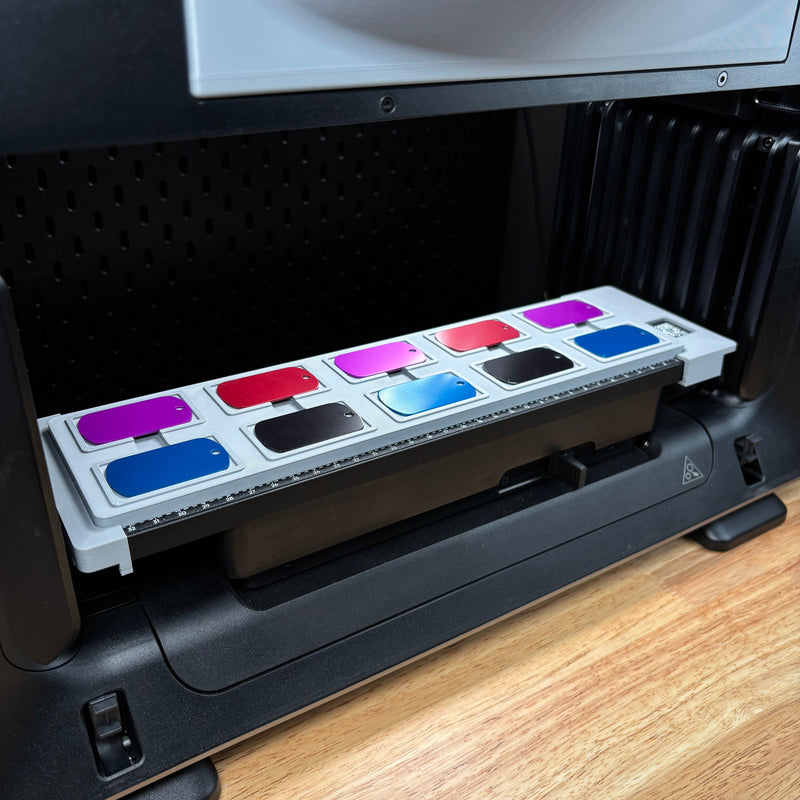
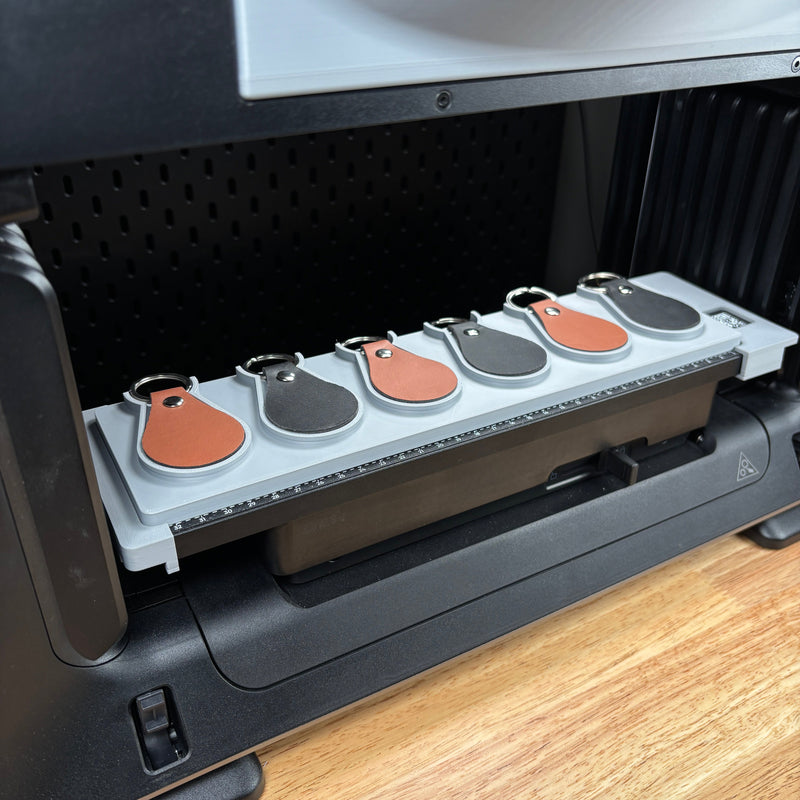
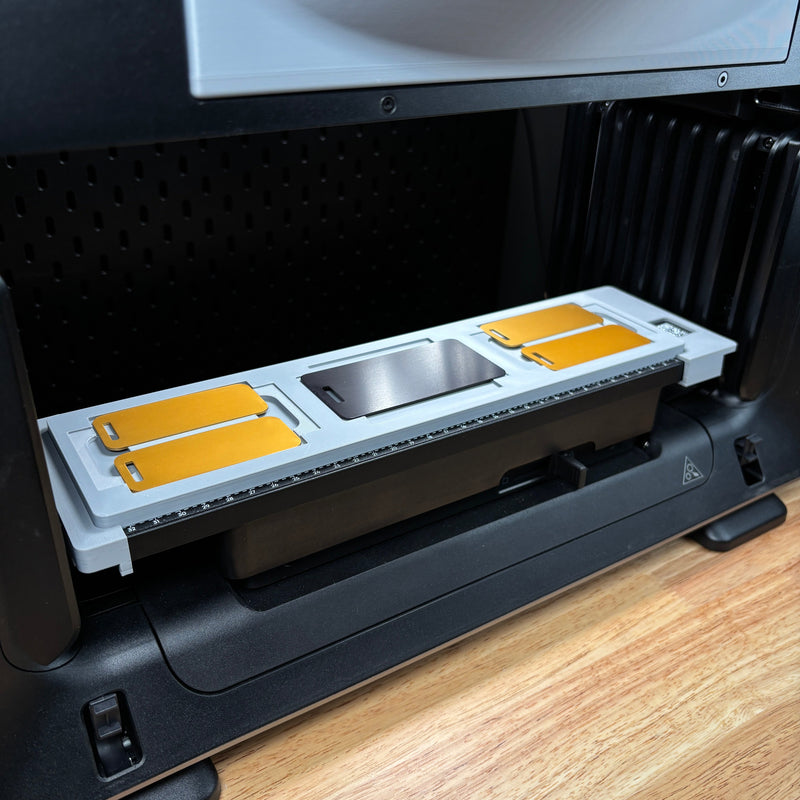
Tag and key fob jigs for the eufyMake E1
- $24.99
- $24.99
- $24.99
- $24.99
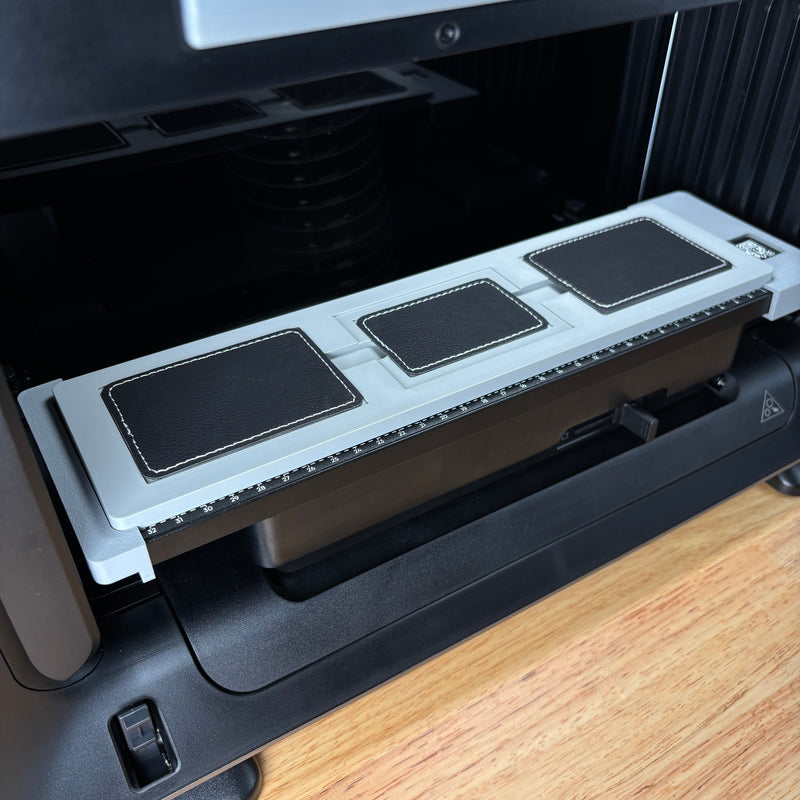
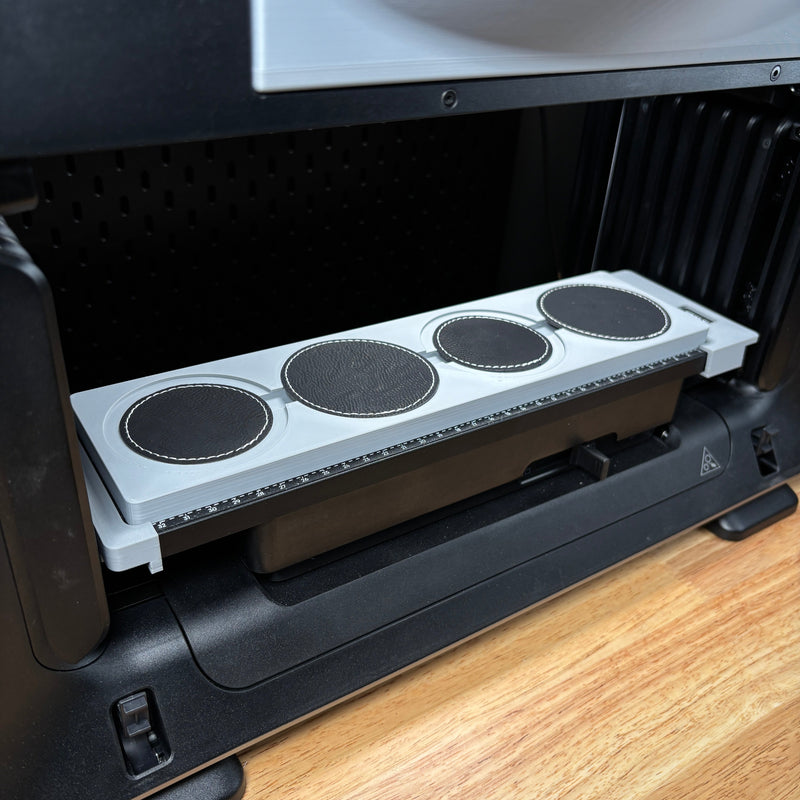

Patch jigs for the eufyMake E1
- $24.99
- $24.99
- $24.99
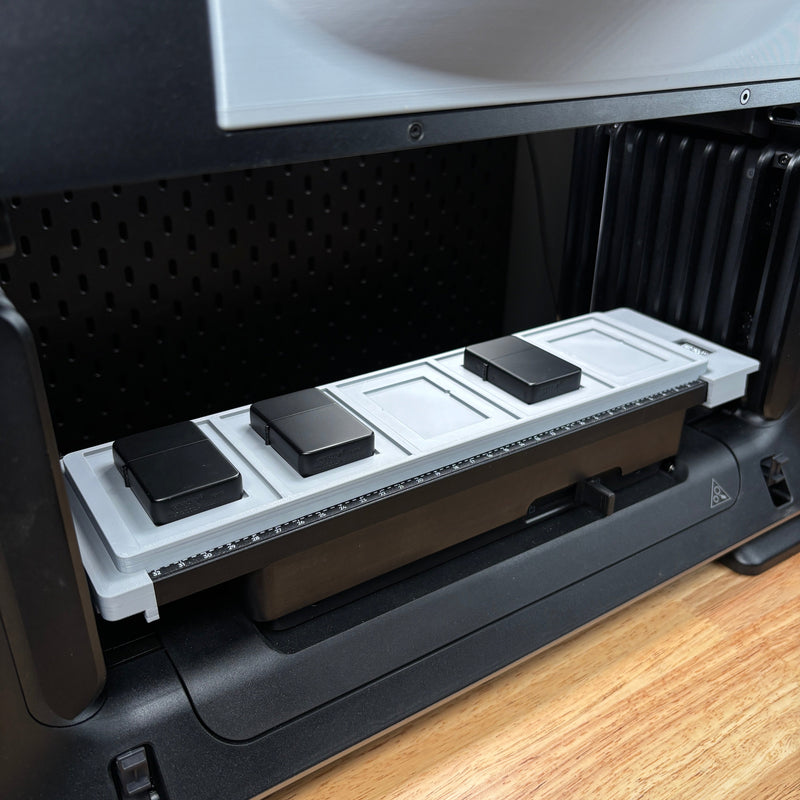
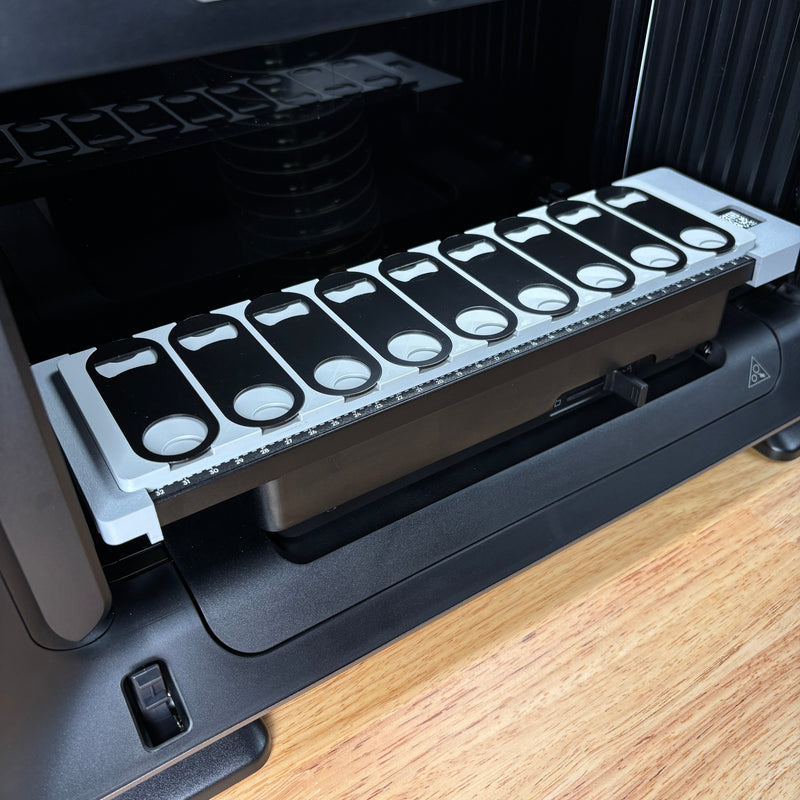
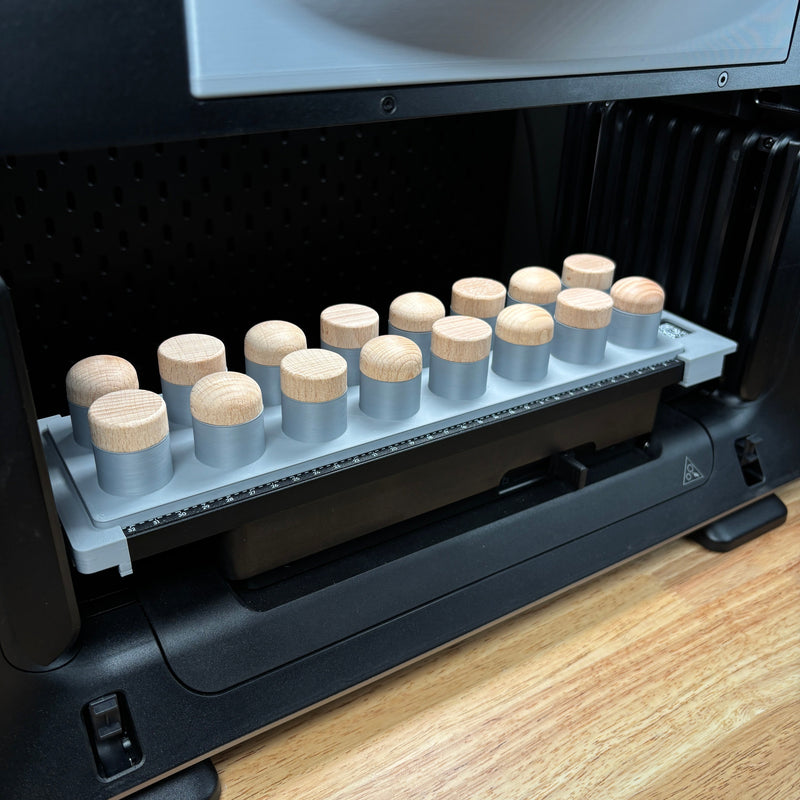
Bottle opener, stopper and lighter jigs for the eufyMake E1
- $24.99
- $24.99
- $24.99
- $24.99
- $24.99
- $24.99
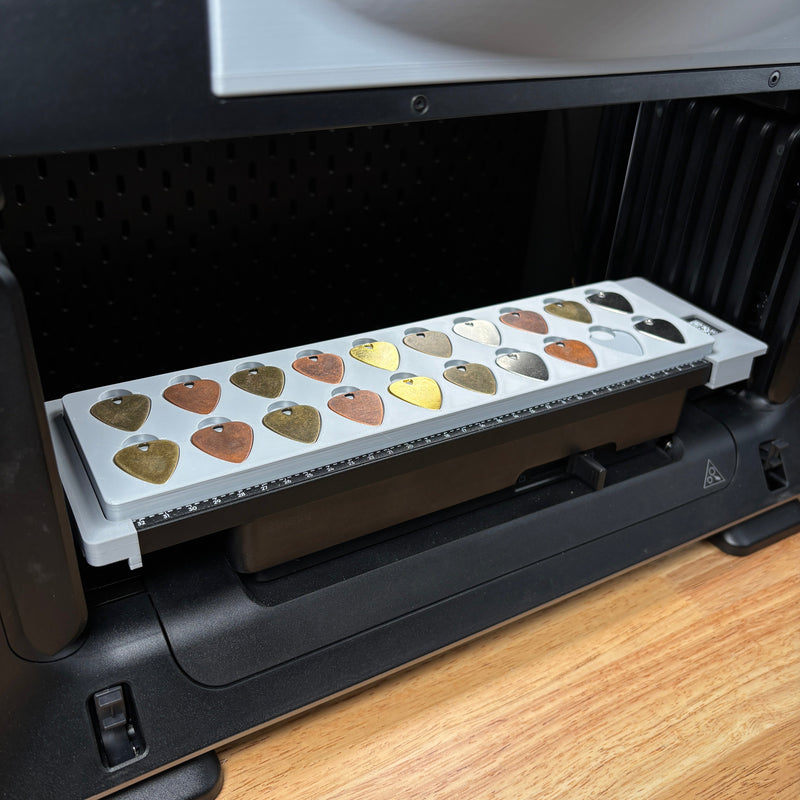
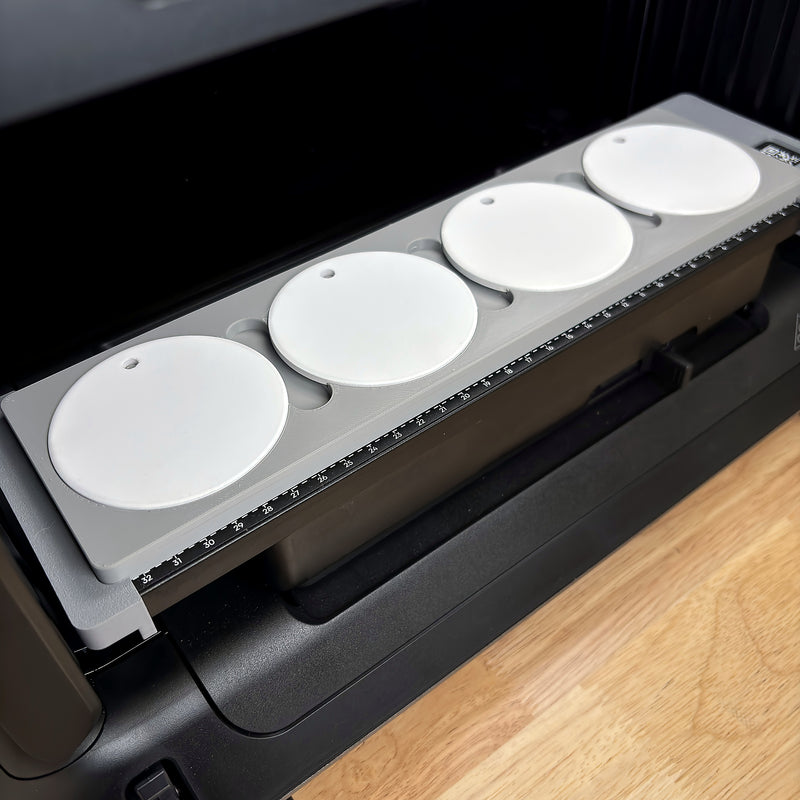
Ornament and more jigs for the eufyMake E1
- $24.99
- $24.99
Don't see your item? Tell me about it and I'll design a jig for it.
Request a custom jigSize and setup
Will it fit my E1?
The E1 has two beds, and they decide what you can print. These are eufyMake's numbers plus what I measured on my own machine.
Both beds drawn to the same scale.
Mini bed: where the jigs live
Print area 330 x 90 mm. With Zero Point I actually get 333 x 88 mm, so check that your item is under 88 mm front to back. Items up to 80 mm tall. The Jig Alignment System, the Jig Size FatMat and my E1 jigs are built for this bed.
Standard bed: big flat work
Print area 330 x 420 mm, items up to 60 mm tall. The FatMat Kit covers it, along with the mini bed. The Jig Alignment System and the Jig Size FatMat do not fit it.
Keep the tops level
eufyMake says to keep every print face within 2 mm in height. In my shop I treat about 3 mm as the edge before prints go soft. A good jig holds every top at the same height for you.
Fumes and tumblers
The Fume Extractor and the stock charcoal filter use the same slot, so it's one or the other. Tumblers print on eufyMake's rotary attachment (45 to 100 mm across, tapers up to 13 degrees), not in a jig.
Snapshot
The camera takes a picture and you drag your art on.
Great for: one item near the center of the bed, full-bleed prints.
Not for: trays of identical items.
Zero Point
Prints at fixed coordinates from the mat corner.
Great for: batch jobs in a jig, hitting Reprint tray after tray.
Watch out: only as good as where your jig sits, which is why the Alignment System exists.
How it compares
Which setup is best for your E1?
There are three ways to hold items on an E1. I only make the best one: turn key jigs built for shops that print for a living.
Free jig files you print yourself
For tinkerers with a 3D printer and time to test.
- ✕Open the file and printYou build and line up your own eufyMake template file.
- ~A pocket made for each itemFit varies from file to file.
- ✕Same spot every swapOnly if you square it up by hand.
- ~Built for production batchesFine for a hobby run.
Modular mat and clip systems
For one-offs and odd shapes that change every job.
- ✕Open the file and printYou place and line up your art for each setup.
- ~A pocket made for each itemClips hold whatever fits between them.
- ~Same spot every swapOnly if you set the clips the same way each time.
- ~Built for production batchesYou set the fixtures up again when the item changes.
Samcraft jigs + Jig Alignment System
For shops that print the same item by the tray.
- ✓Open the file and printA ready eufyMake template file comes with every jig.
- ✓A pocket made for each itemShaped to the item and fit-tested on my own E1.
- ✓Same spot every swapDrops in the same spot with the Alignment System, so Zero Point repeats.
- ✓Built for production batchesEvery print face at the same height, tray after tray.
The full lineup
All eufyMake E1 products
New to jigs? Pick any 4 E1 jigs and get the Jig Alignment System and Jig Size FatMat half price. Applied automatically at checkout, no code needed!
Build your E1 Starter Kit →-
Samcraft FatMat for eufyMake E1 - Reusable UV Printer Mat Kit
Regular price $55.00Regular priceUnit price per -
eufyMake E1 Fume Extractor
Regular price $55.00Regular priceUnit price per -
Jig Alignment System for eufyMake E1 UV Printer
Regular price $24.99Regular priceUnit price per -
Metal Coin Jig (40mm) for eufyMake E1 UV Printer
SaleRegular price $24.99Regular priceUnit price per$29.99Sale price $24.99Sale -
Golf Ball Jig for eufyMake E1 UV Printer
SaleRegular price $24.99Regular priceUnit price per$29.99Sale price $24.99Sale -
Samcraft Jig Size FatMat for eufyMake E1 UV Printer
Regular price $27.00Regular priceUnit price per -
Universal 16 Pen Jig for eufyMake E1 UV Printer
SaleRegular price $24.99Regular priceUnit price per$29.99Sale price $24.99Sale -
Drink Coaster Jig for eufyMake E1 UV Printer - 4 Inch
SaleRegular price $24.99Regular priceUnit price per$29.99Sale price $24.99Sale -
Baseball, Softball & Pickleball Jig for eufyMake E1 UV Printer
SaleRegular price $24.99Regular priceUnit price per$29.99Sale price $24.99Sale -
Metal Coin Jig (50mm) for eufyMake E1 UV Printer
SaleRegular price $24.99Regular priceUnit price per$29.99Sale price $24.99Sale -
Universal 8 Pen Jig for eufyMake E1 UV Printer
SaleRegular price $24.99Regular priceUnit price per$29.99Sale price $24.99Sale -
Business Card & ID Badge Jig (CR80) for eufyMake E1 UV Printer
SaleRegular price $24.99Regular priceUnit price per$29.99Sale price $24.99Sale -
Pencil Jig for eufyMake E1 UV Printer
SaleRegular price $24.99Regular priceUnit price per$29.99Sale price $24.99Sale -
Rectangle Patch Jig for eufyMake E1 UV Printer
SaleRegular price $24.99Regular priceUnit price per$29.99Sale price $24.99Sale -
Military Dog Tag Jig for eufyMake E1 UV Printer
SaleRegular price $24.99Regular priceUnit price per$29.99Sale price $24.99Sale -
Round Patch Jig for eufyMake E1 UV Printer
SaleRegular price $24.99Regular priceUnit price per$29.99Sale price $24.99Sale -
Leather Key Fob Jig for eufyMake E1 UV Printer
SaleRegular price $24.99Regular priceUnit price per$29.99Sale price $24.99Sale -
Bookmark Jig for eufyMake E1 UV Printer - 2x6
SaleRegular price $24.99Regular priceUnit price per$29.99Sale price $24.99Sale -
Flip Top Lighter Jig for eufyMake E1 UV Printer
SaleRegular price $24.99Regular priceUnit price per$29.99Sale price $24.99Sale -
Flat Metal Oval Keychain Bottle Opener Jig for eufyMake E1 UV Printer
SaleRegular price $24.99Regular priceUnit price per$29.99Sale price $24.99Sale -
Car Coaster Jig for eufyMake E1 UV Printer
SaleRegular price $24.99Regular priceUnit price per$29.99Sale price $24.99Sale -
Bottle Stopper Jig for eufyMake E1 UV Printer
SaleRegular price $24.99Regular priceUnit price per$29.99Sale price $24.99Sale -
Guitar Pick Jig for eufyMake E1 UV Printer
SaleRegular price $24.99Regular priceUnit price per$29.99Sale price $24.99Sale -
Keychain Bottle Opener Jig for eufyMake E1 UV Printer
SaleRegular price $24.99Regular priceUnit price per$29.99Sale price $24.99Sale


Watch it work
Straight from my shop
From the Samcraft YouTube channel.
I Had to Replace My eufyMake E1
Setting up a new E1 from the box to the first print.
Removing Fumes from the eufyMake E1
How I vent my E1 outside with the Fume Extractor.
UV Printing Tumblers 101
Tumblers on the rotary: blanks, sizing, print time and pricing.
Before your first job
Free E1 tools and guides
Everything I've written up from running my own E1.
Asked and answered
eufyMake E1 jig questions
Do Samcraft jigs fit the eufyMake E1 standard bed?
My E1 jigs are built for the mini bed, because that is where the Jig Alignment System clips on and where Zero Point placement repeats best. The FatMat Kit is the one product here that covers the standard bed too.
Do I need the Jig Alignment System to use your jigs?
No, any of my jigs will sit on the bed and print. The E1 finds its zero point with its camera, though, so a loose jig can land in a slightly different spot each time you put it back. The Alignment System gives every jig a hard edge to sit against, so you can swap jigs and hit Reprint without lining anything up again.
What comes with each jig?
The jig itself and a matching eufyMake template file, so your artwork lines up with every pocket. Blanks are not included, and each listing shows the exact item size it fits.
What are your E1 jigs made of?
Every jig is 3D printed in plastic, to order, in my Tennessee shop. They are not acrylic. Printing lets me shape each pocket to the item, so every piece sits at the same height and the print faces stay level.
How fast do orders ship?
Everything is made to order and is usually on its way in about four business days. US orders over $75 ship free, and I also ship to 21 other countries with duties and taxes paid at checkout.
What if I do not see a jig for my item?
Send me the details on my custom jigs page. Custom jigs start at $49.99 and take about four weeks, and I test the fit in my shop before it ships.
Can I use the stock charcoal filter and the Fume Extractor together?
No. The Fume Extractor goes in the same slot as the filter, so you run one or the other. If your E1 lives in a closed room, I would plan on venting it outside from day one.
Will a jig fix prints that come out slightly off-size?
A jig fixes where your item sits, not the size of the print. If prints come out a hair small or large, run my free print-scale calibration tool first, then line up your jigs.

I'm Sam, and Samcraft is my small family business in Tennessee. I design every jig here and test it on my own E1 before it goes in the shop. Questions before you order? Email support@samcraft.shop and it comes straight to me.
Got another machine? See my xTool Omni jigs or shop by machine. Read what customers say on my reviews page.
Sam | Samcraft · Updated November 2026